Examples of barriers and fixes
Buying with a keyboard, correcting a form, reading a document with a screen reader: three situations to understand who encounters a barrier and how to address it. These are illustrative examples, not client engagements or outcomes.
Three demonstration examples
Hypothetical scenarios, not client results. Each separates the problem from tests that still need to be performed.
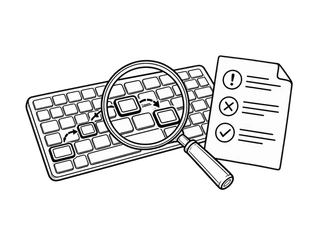
Shopping: a filter that cannot be used with a keyboard
- Problem
- The filter responds to a pointer but cannot be activated with a keyboard.
- Evidence to collect
- Record the page, browser, keys used, focus and results before and after filtering.
- Proposed fix
- Use a native control with an identifiable name, state and focus indicator.
- Check to perform
- Repeat filtering and selection with a keyboard and screen reader; check results and state announcements in the agreed configurations.
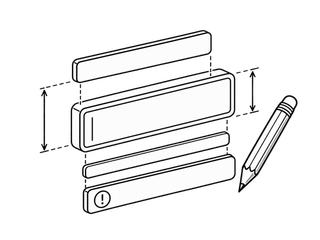
Booking: an error that does not guide correction
- Problem
- The form signals an error only visually, without identifying the field in the message.
- Evidence to collect
- Record the entered value, message, focus position and information exposed to assistive technologies.
- Proposed fix
- Explain how to correct the value and associate the message with the field; make the summary reachable.
- Check to perform
- Repeat invalid submission, reaching the field, correction and confirmation, including with a keyboard and screen reader.
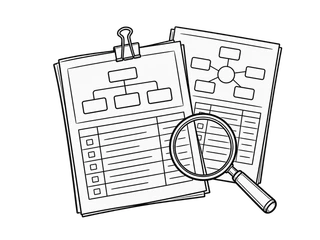
Finding information: a document with no reading order
- Problem
- PDF headings, columns and tables lack a structure usable with assistive technology.
- Evidence to collect
- Identify the file and version; record reading order, tags, text alternatives and table relationships.
- Proposed fix
- Work on the source where available, then fix and check the exported PDF structure.
- Check to perform
- Read the document with assistive technology and assess sequence and understanding of the information; a scanner result alone is not enough.
Have you encountered a similar issue?
Tell me the journey, what happens and what you want to achieve. A concrete description helps us define the necessary tests.